

Application Process for Minors
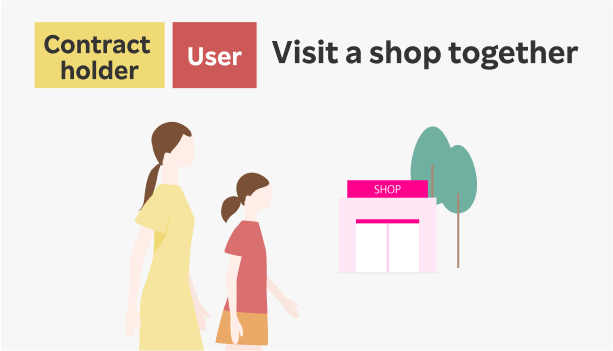
Minors (under 18 years old) can apply either online or at Rakuten Mobile shops (stores). Here's a guide to the application process.
For those under 18 using Rakuten Mobile, an "Anshin Control" contract is mandatory (550 yen/mo.) For more details, click here.
Application Process
1. Confirm application type
You can apply for either "New Application" or "Number Portability from Another Carrier (MNP)".
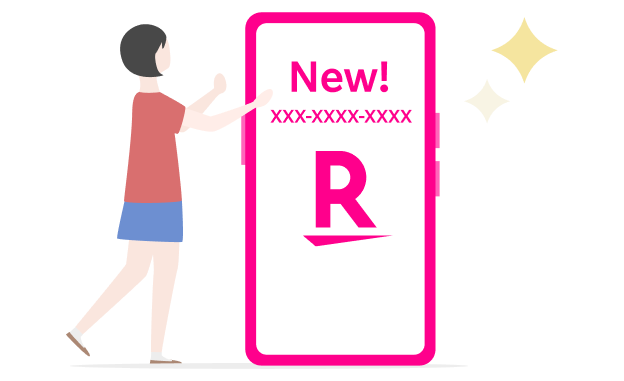
New Application
You can obtain a new phone number with Rakuten Mobile.
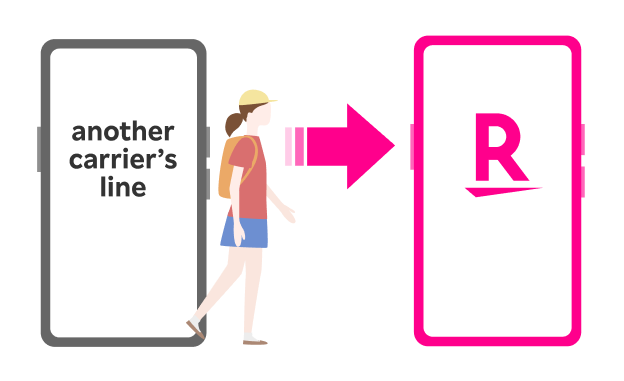
2. Prepare necessary documents
Required documents differ for online and in-store applications.
Child’s required items to prepare
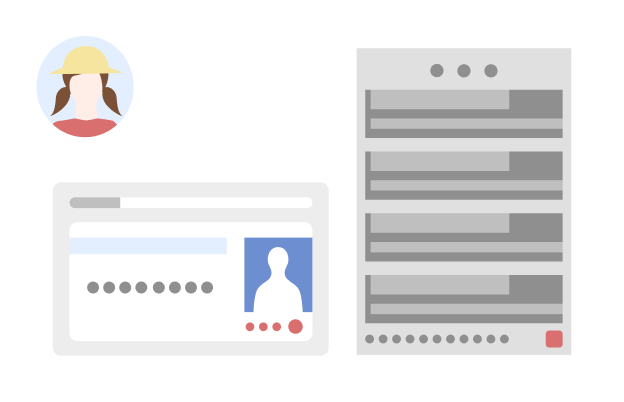
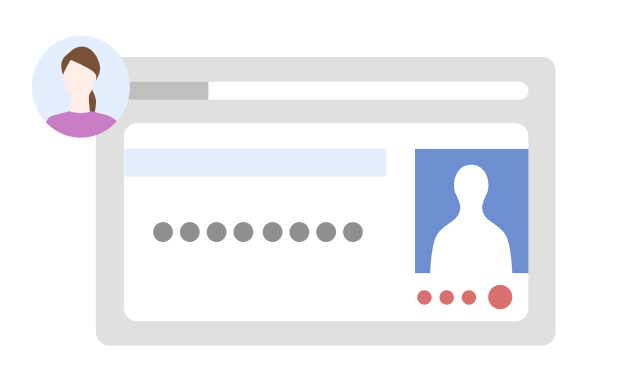
Child's identity verification documents
For your child's application, preparing the following documents will ensure a smooth application process:
- My Number Card
- Health Insurance Eligibility Certificate and Residence Certificate
- Passport and Residence Certificate
Health Insurance Eligibility Certificate or Passport requires a Residence Certificate as supplementary document. One document alone is insufficient for identity verification, so please ensure you also have the supplementary document.
Please note that student IDs are not accepted.
For other valid identity verification documents, please see below.
*Please bring the original documents, not copies.
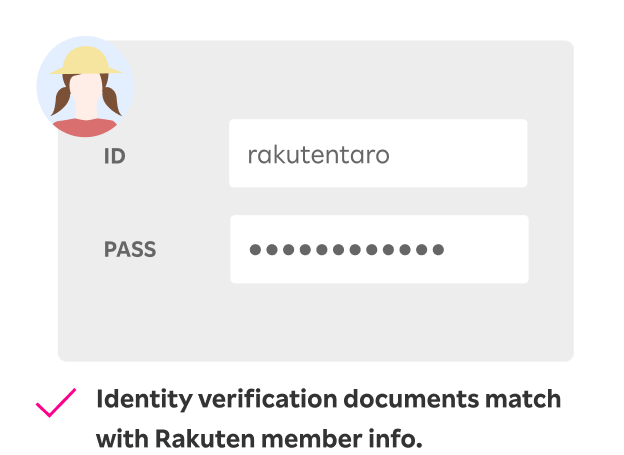
Rakuten member login ID/password
Your child's Rakuten member information is required at the time of application. If you don't have one, please create a new account.
Guardian’s required items to prepare
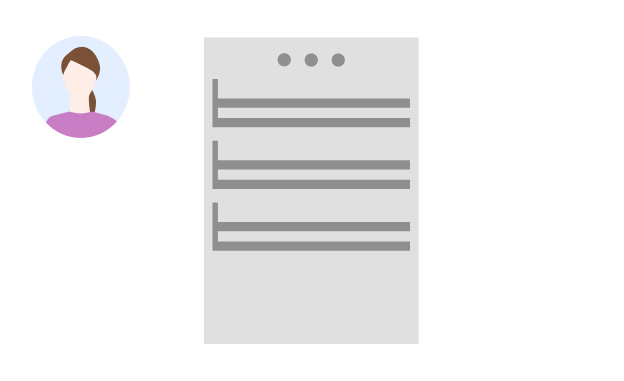
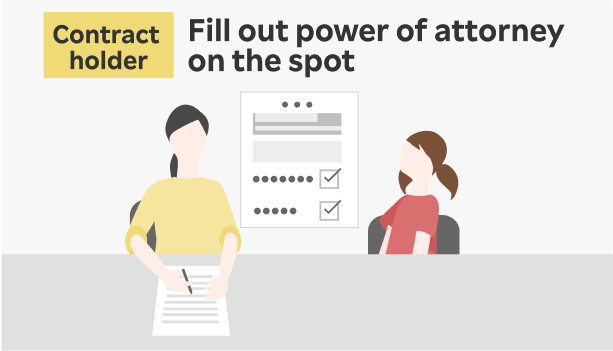
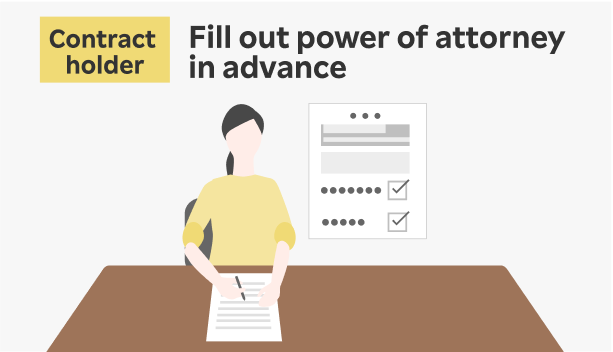
Legal Representative’s Consent Form/Named Payer’s Consent Form
For contracts by those under 18, a consent form from the legal representative (parent/guardian) is required. You can download it from below.
View the Legal Representative’s Consent Form/Named Payer’s Consent Form
*Legal representative refers to a parent, minor guardian, or adult guardian. No proof of legal representativeship is required.
Guardian’s or child’s required items to prepare
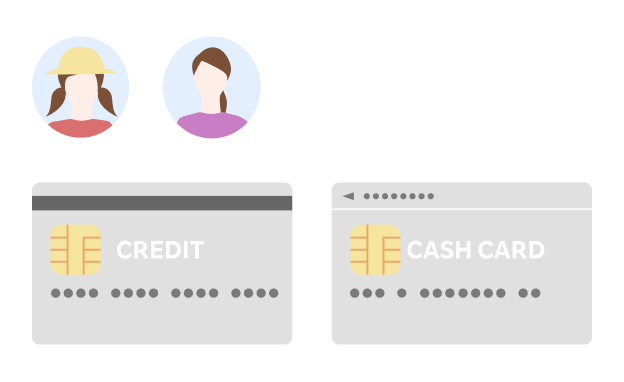
Credit card/bank account
You can apply using a credit card or bank account in either the child's or guardian's name.
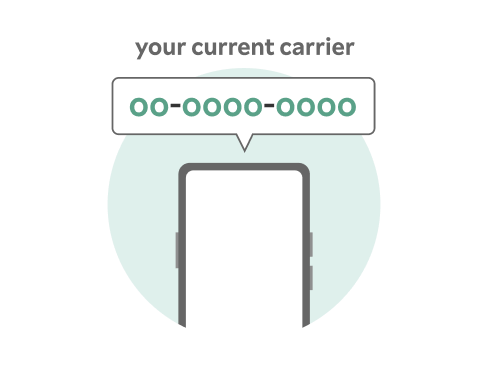
Only for those switching from another carrier
MNP reservation number
For those switching from carriers not supporting MNP One-Stop, you need to obtain an MNP reservation number from your current carrier before applying. If the names differ, please complete the name change before issuing the MNP reservation number.

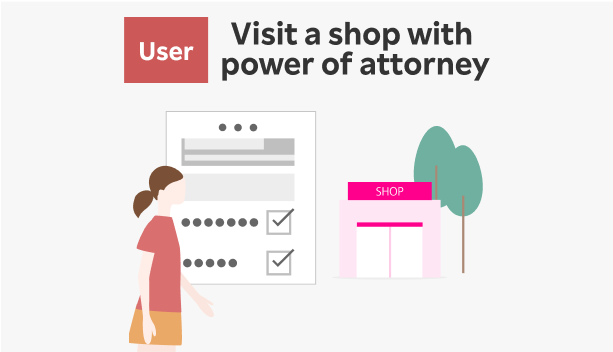
3. Apply
- You can apply either through the web application screen or "my Rakuten Mobile" app. For details on "my Rakuten Mobile" app, click here.
- For those under 18 using Rakuten Mobile, an "Anshin Control" contract is mandatory (550 yen/mo.)
*When customers under 18 years old cancel "Anshin Control," parental approval is required. Please click here for details.
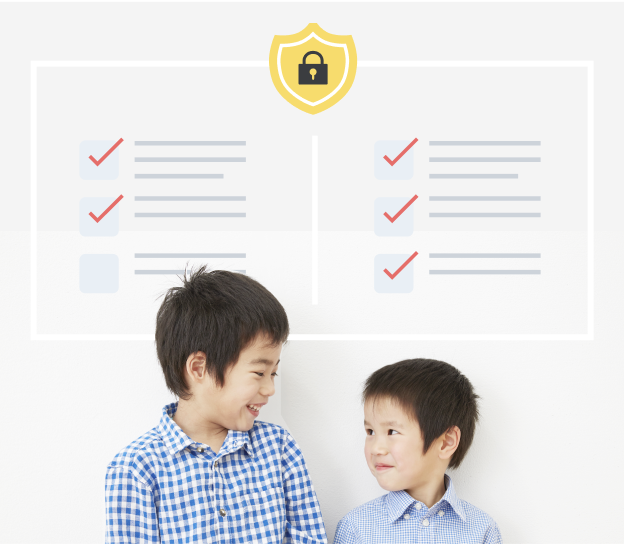
Safe Control for Children's Smartphone Use
"Anshin Control" is Rakuten Mobile's original filtering service that keeps your child safe online while building healthy digital habits.
- Smart Location Alerts: Instant notifications when your child arrives at or leaves school, cram school, and other important locations
- Healthy Usage Controls: Time-based app restrictions that prevent overuse and encourage balanced screen time habits
- Age-Perfect Filtering: Customizable content filters that grow with your child, ensuring age-appropriate online experiences
- Social Media Safety: Advanced monitoring of high-risk messages and interactions across social platforms
4. Receive the device
After application, once the contract holder's identity verification is complete, we will send a completion email to the registered email address.
-
1. Receive your device
After identity verification is complete, your device and SIM card will be delivered to your specified address.
-
2. Set up your device

Once your device arrives, complete the initial setup. After setup is complete, you can start using your service.
-
3. Set up Anshin Control

Parents and children should complete the initial setup together.
-
4. Set up Rakuten Link

Install the Rakuten Link app and complete the initial setup.
my Rakuten Mobile
The official app lets you quickly check various procedures, fees, and data usage.



Contact us
We’ve experienced issues causing public inconvenience due to misdialed numbers. Please ensure you dial correctly.